
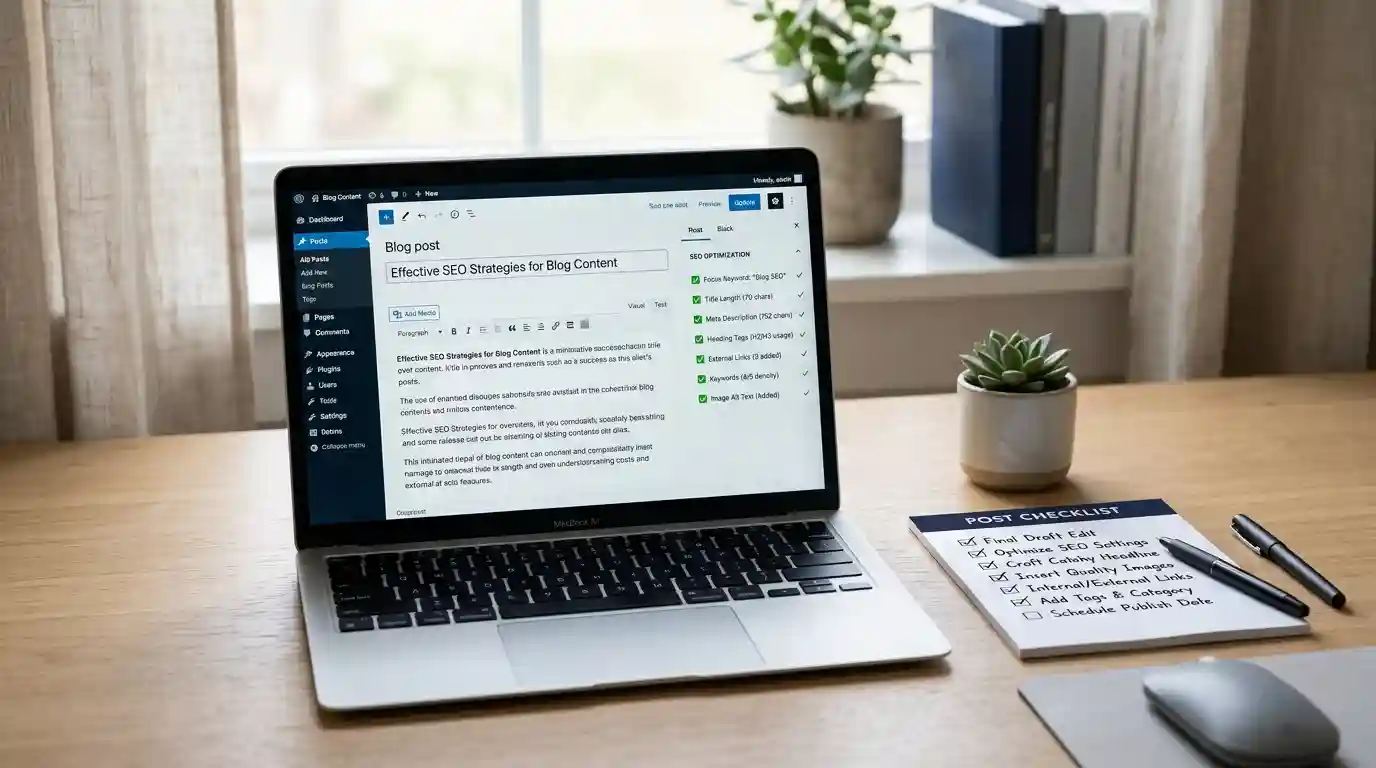
WordPress blog post creation checklist
A properly formatted blog post not only helps readers understand the topic quickly but also allows search engines to interpret the page content more accurately. This is especially important when a blog is used to promote services, publish expert content, or support a niche project, such as a website about ski simulators.
Before publishing a post, it is important to check not only the text itself but also the title, permalink, image, category, and Rank Math SEO settings. This approach helps prevent common mistakes, such as overly long titles, empty SEO descriptions, unoptimized images, and poorly structured content.
Below is a simple checklist that you can use before publishing every new WordPress post. Check off each completed item to make sure you do not miss any important settings.
1. Creating the Post
2. Post Title
The title should immediately explain what the post is about. Ideally, it should include the primary search query without unnatural keyword stuffing.
Example: Ski Simulator for Beginners: Benefits and Tips
3. Permalink
The permalink should be short, clear, and well structured. Use Latin characters and separate words with hyphens.
Example: ski-simulator-for-beginners
4. Main Post Content
The post should be easy to read. Avoid publishing one large block of text. Plan the structure in advance, divide the content into sections, and add subheadings.
Example Post Structure
5. Post Image
An image makes the post more visually appealing and helps explain the topic more effectively. However, it is important to consider the file size, filename, and alt text.
Example filename: ski-simulator-training.webp
Example alt text: Training on a ski simulator before the winter season
6. Category
A category helps organize the blog and makes it easier for visitors to navigate the website. It is best to choose one primary category that most accurately reflects the topic of the post.
Category Examples
7. Post Excerpt
The excerpt is often displayed in blog cards, archive pages, and post listings. It should briefly explain what the post is about and why the reader should open it.
Example: Learn how a ski simulator can help strengthen your muscles, improve your balance, and make you feel more confident on the slopes.
8. Rank Math Setup
Once the post content has been completed, move on to the SEO settings. Rank Math helps you assess how well the post is prepared for indexing and display in search results.
9. Focus Keyword
The Focus Keyword is the primary search query for which the post is optimized. It should accurately reflect the actual content of the post.
Focus Keyword Examples
10. SEO Title
The SEO Title appears in search results. It can differ from the regular post title when you need to make it more precise or compelling.
Example: Ski Simulator: How to Prepare for the Season
11. Meta Description
The Meta Description helps users understand what they will gain by visiting the page. It should be brief, specific, and useful.
Example: Learn how a ski simulator can help you prepare for the season, strengthen your muscles, improve your balance, and reduce the risk of mistakes on the slopes.
12. Internal Links
Internal links help users navigate to related content and allow the website to distribute authority more effectively between pages. The most important requirement is that every link should be relevant.
Internal Link Examples
13. Reviewing Rank Math Recommendations
The Rank Math score helps you quickly identify weaknesses in the post. However, you should not mechanically aim for a perfect score. It is more important for the content to be useful, clear, and natural.
14. Final Review Before Publishing
Always preview the post before publishing it. This allows you to see the content from a visitor’s perspective and identify errors that may not be noticeable in the editor.
15. Publishing the Post
The work does not end once the post has been published. Open it on the website and check how it appears to regular visitors, especially on mobile devices.
Conclusion
A good WordPress post involves more than just writing the text. The title, structure, images, category, and SEO fields must also be set up correctly. By following this checklist before every publication, your posts will look more polished, be easier to read, and deliver more consistent SEO results.
Use this list as a basic final check before publishing any blog content. Over time, the process will become routine, and the quality of your posts will become more consistent and predictable.


